









EstateSpace is estate management software for the firms that run private estates. Properties, assets, vendors, staff, and maintenance in one place, so your team answers questions instead of hunting for them.
More time delivering service. Less time in spreadsheets.
Someone asks a simple question and finding the answer takes twenty minutes across email, texts, a spreadsheet, and a shared drive. Your team spends more time locating information than acting on it, and every property you add makes it worse.
Every property has its own vendors. Its own plumber, its own pool company, its own landscaper. When the invoice arrives you are approving work you did not see, on a schedule nobody wrote down, against a list only one person knows.
You did the work. Proving it is the hard part. When someone asks what was spent, what was done, and who did it, the record lives in your memory, your texts, and a folder nobody has opened since March.
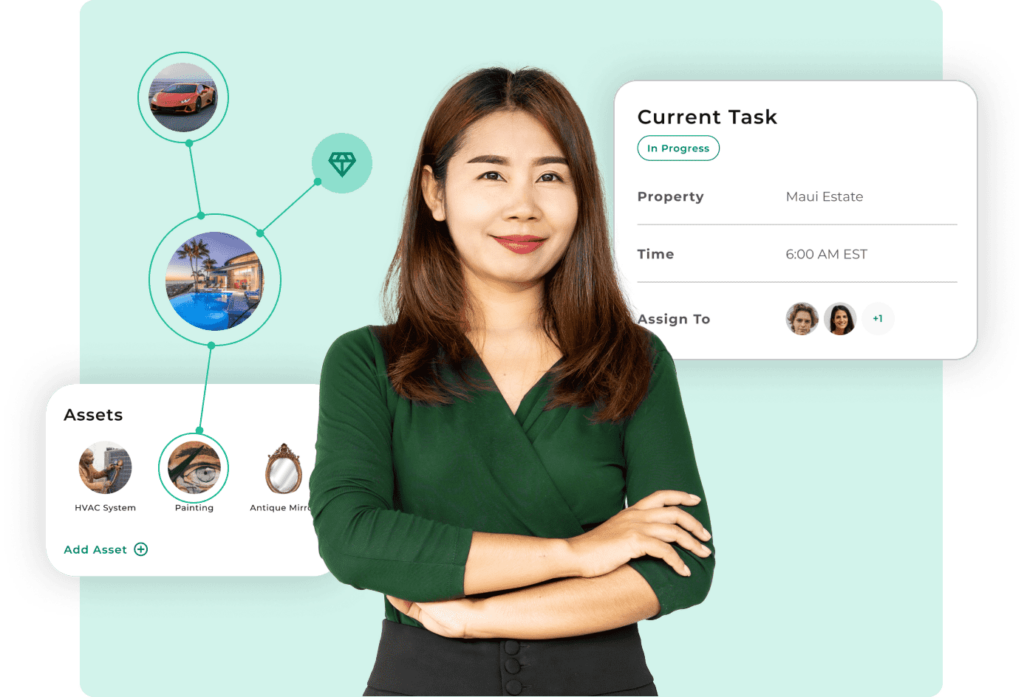
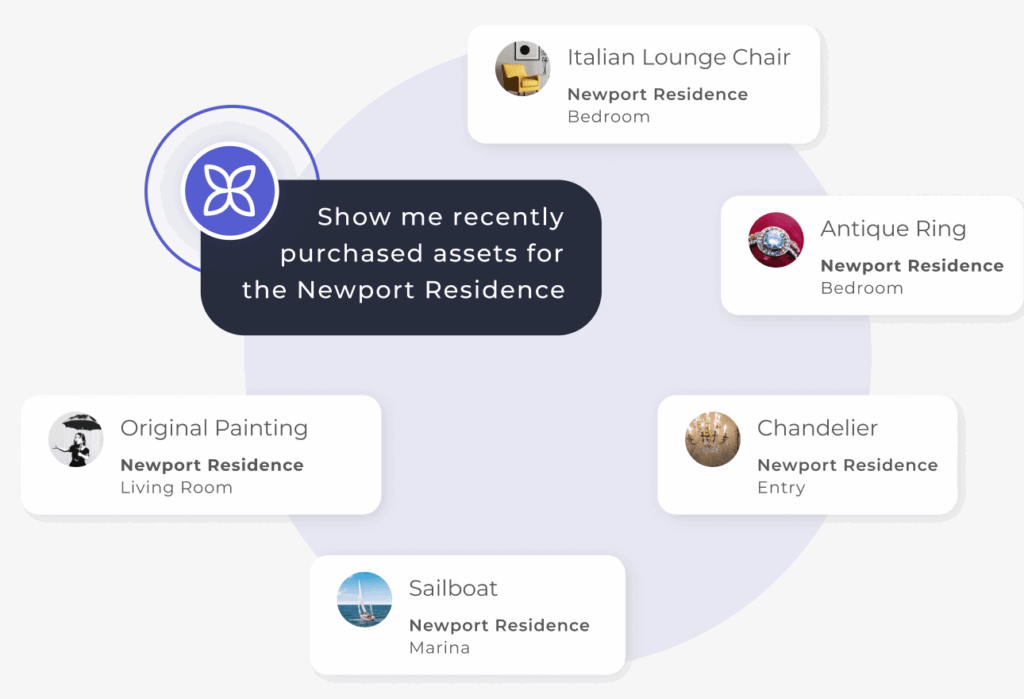
Catalog every client’s properties, assets, vendors, and documents in one platform. AI structures everything automatically. Live in days, not months.
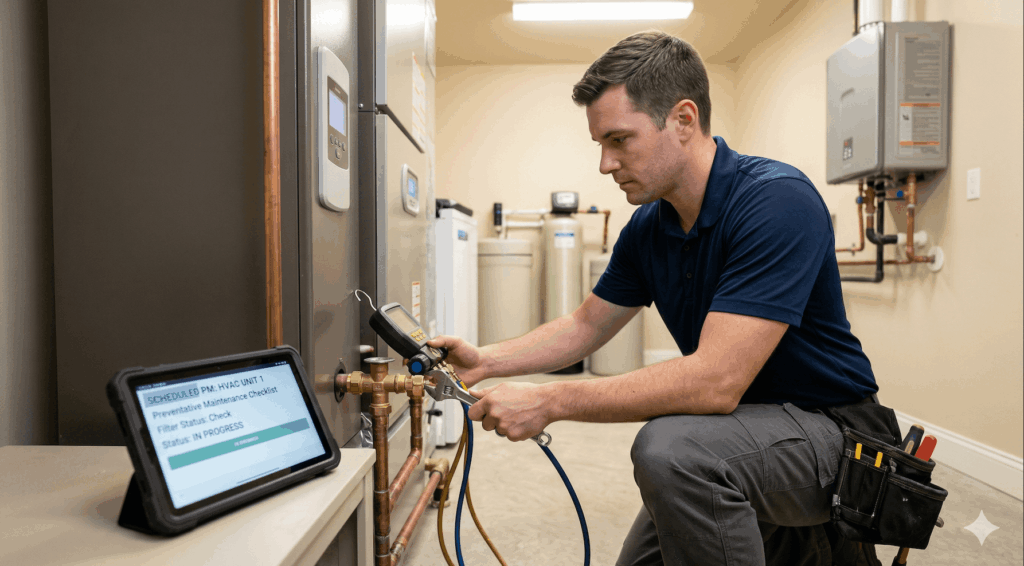
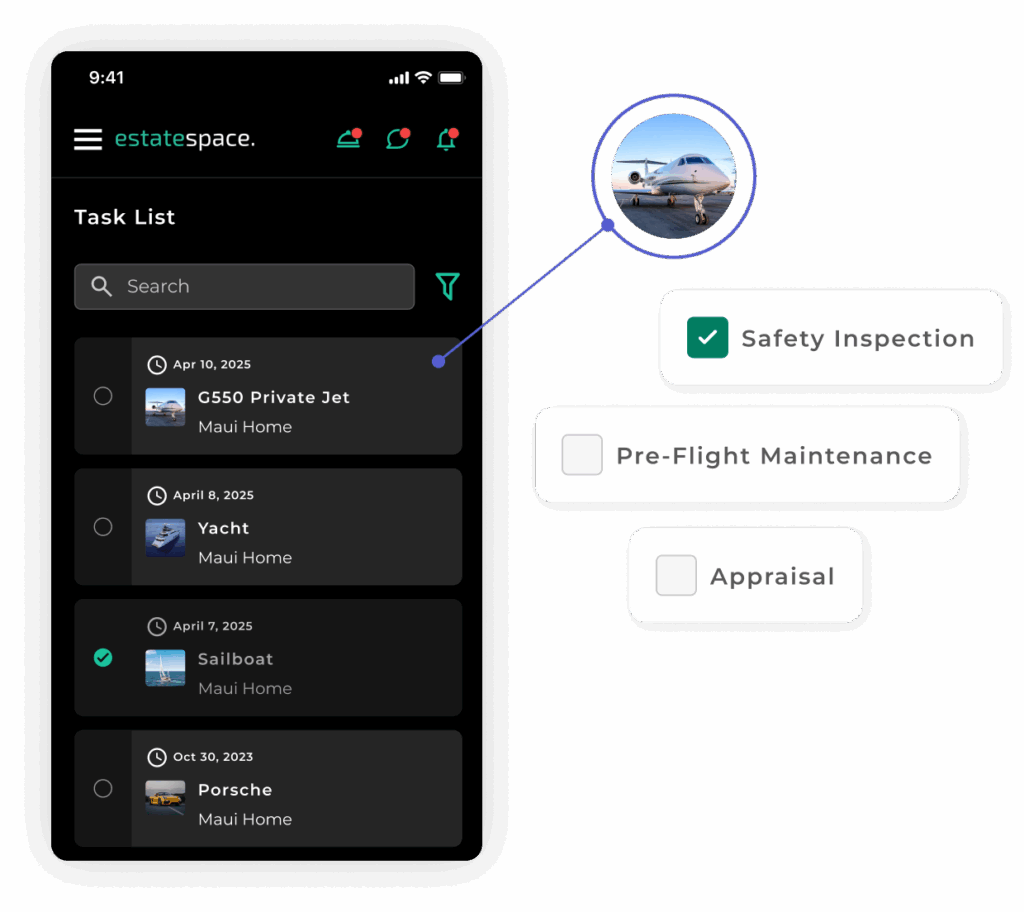
Tasks, maintenance, scheduling, vendor coordination, and service requests in one place. Everyone sees the same schedule and the same history, so the work runs the same whether you are on site or not.
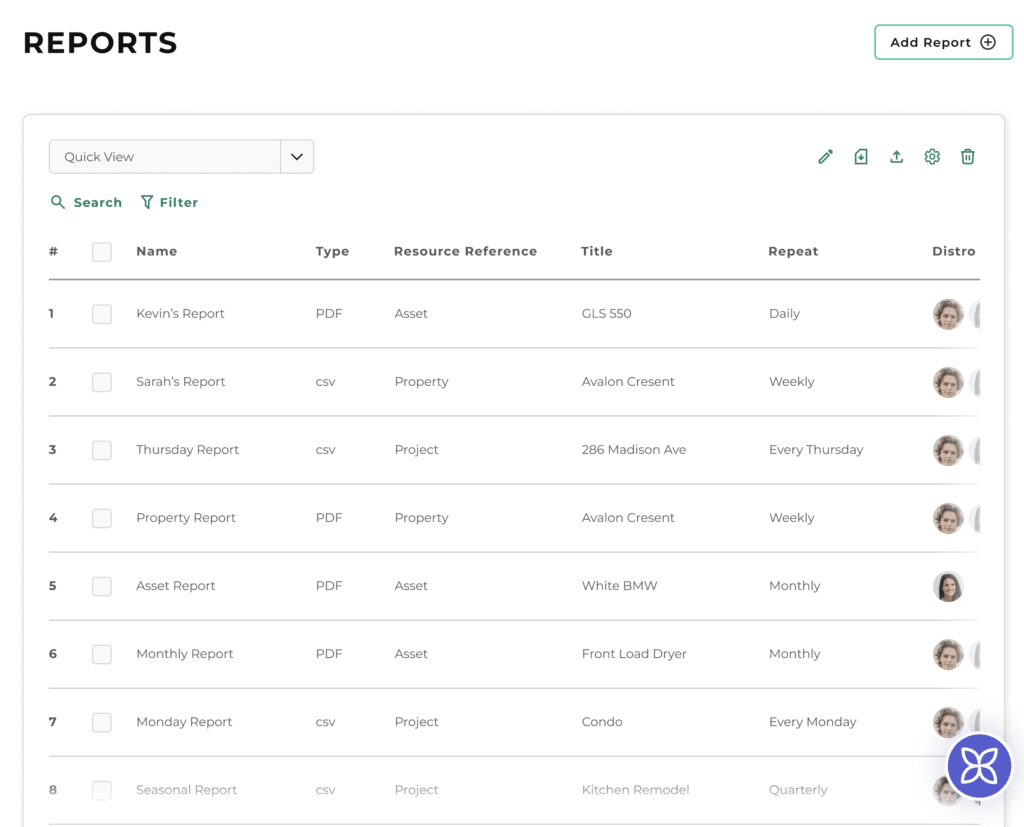
Pull a report on what was done, what it cost, and who did it, across one property or all of them. The record is already there, so proving the work takes minutes instead of a weekend.
A clear view of what they own and what is being done about it, plus a simple way to ask for something.
Day-to-day operations, vendor coordination, and task management.
Maintenance scheduling, work orders, and on-site coordination.
EstateSpace centralizes everything, documents, communication, and oversight, into one platform. The increased visibility and organization have saved us time and reduced stress.
Steve Clarke RFA Single Family Office
Pricing starts at $34 per user per month, ten users included, with no per-property or per-asset fees.
See full pricing and plan detailsYes. It is built for teams running multiple properties for one or more clients, whether that is a firm with twenty homes under management or an in-house team running a single family's estates. If your work is property operations, vendor coordination, maintenance, and reporting, that is the job it does.
Properties and the structures on them, the spaces inside, and the assets in those spaces. Appliances, HVAC and whole-home systems, vehicles, art, furniture, documents, and the vendors and warranties attached to each. You decide how granular to go.
Estate and house managers day to day, field and facilities staff on mobile, and principals or family office contacts if you choose to give them access. Roles and permissions control what each person sees, so a field tech sees their three properties and nothing else.
You send what you already have, spreadsheets, documents, photos, vendor lists, floor plans, and we build the structure from it. Import is included in every plan and there is no charge for onboarding or training.
It replaces the patchwork most teams run on, spreadsheets, task apps, shared drives, and text threads. It does not replace accounting. Teams export expense and budget reports and feed those into QuickBooks or whatever they use.
Our controls are independently examined under SOC 2 Type II and ISAE 3000, and the platform supports HIPAA-covered workflows and GDPR obligations. Data is held in AWS, encrypted, with full audit logs. You own your data and can export it at any time. It is not used to train AI models and it is not shared with third parties.
Clients can, and many firms give them a simple view where they see the schedule and submit requests. Vendors can be invited in to see what they are scheduled for, communicate on a task, and submit estimates and invoices. Anyone who logs in counts as a seat.
Most teams are working in the platform within a few weeks, depending on how much information you have and how quickly it can be pulled together. Every account gets an account manager who stays with you through rollout.
Thirty minutes, built around the properties and people you manage. We bring up the platform against a situation like yours and work through it together.
Book a 30-Minute Demo