








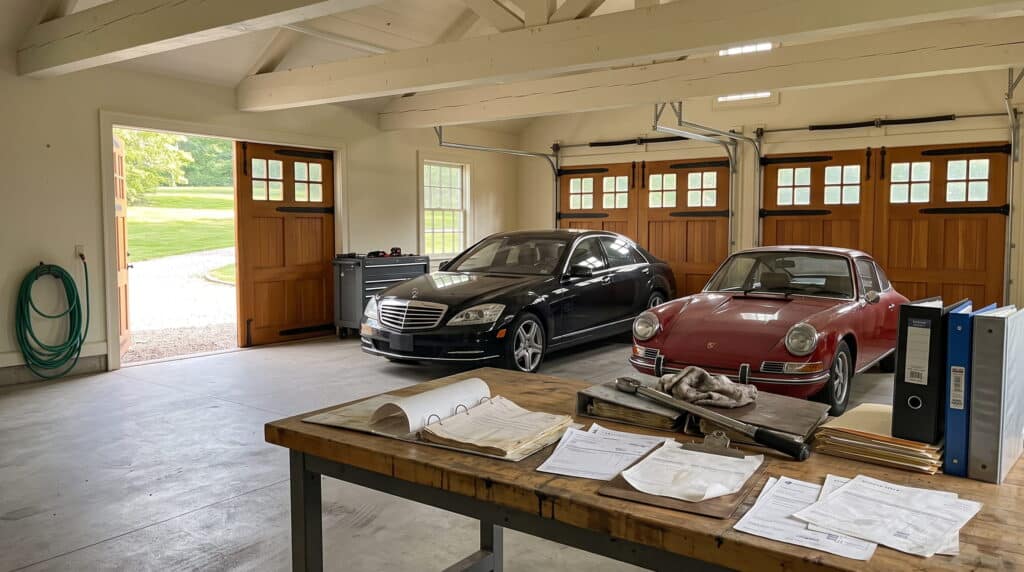
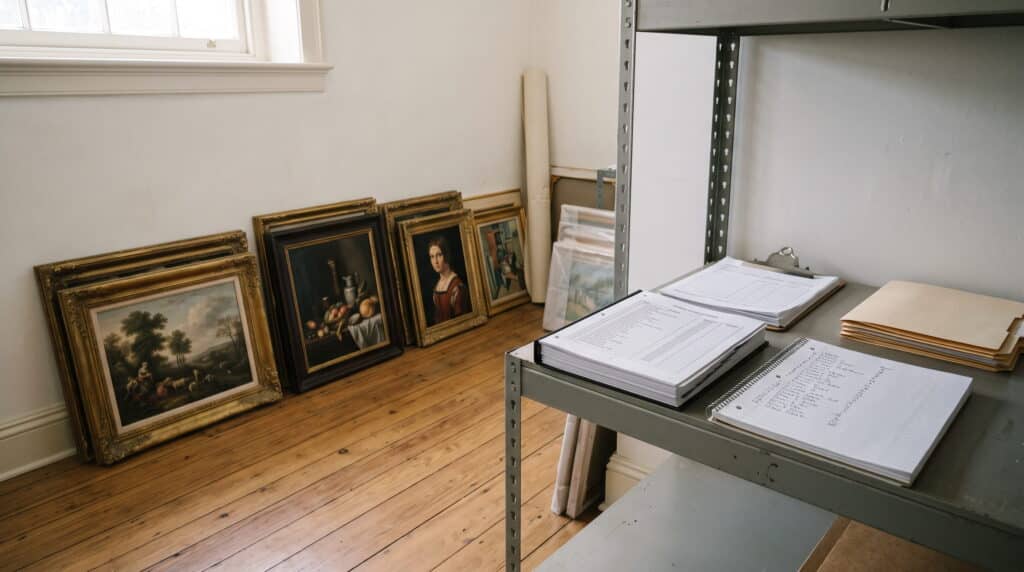

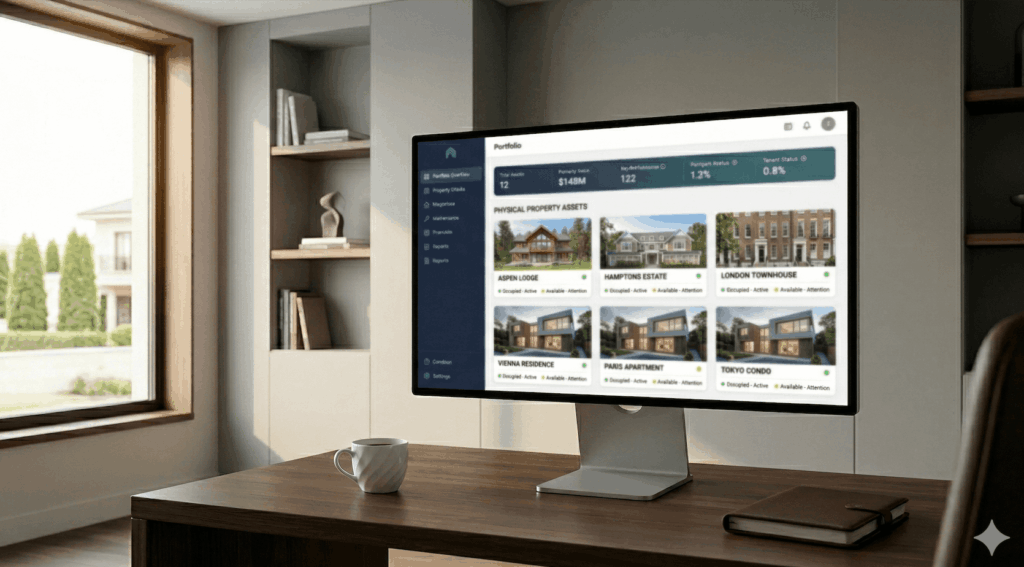



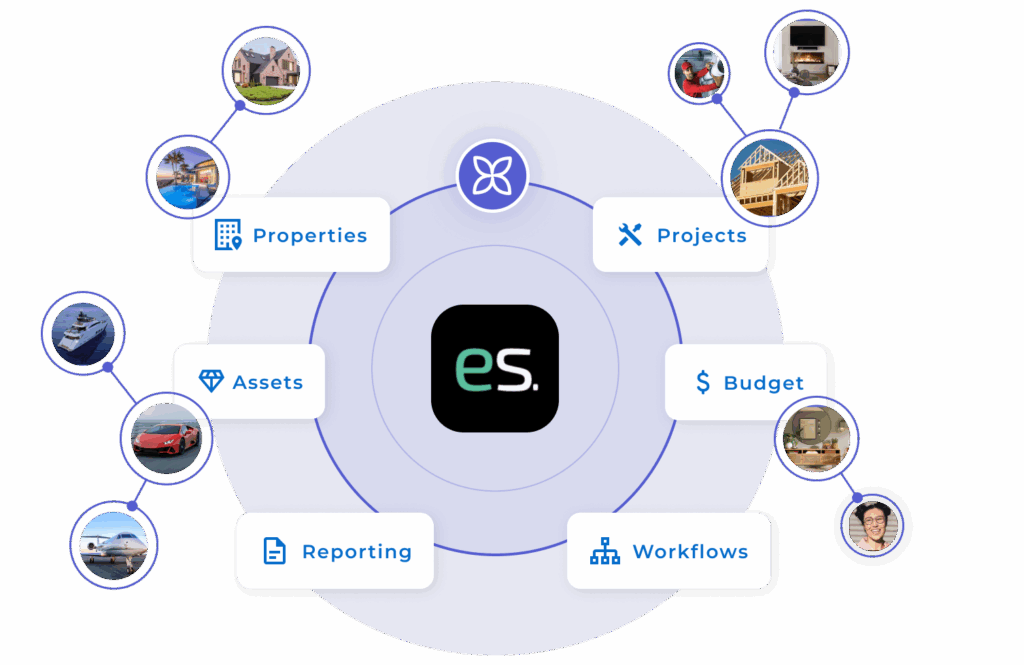
EstateSpace is family office software for the physical side of the balance sheet: properties, art, vehicles, aircraft, and the people and vendors who keep them running.
Operations and accounting work from one record, so the answer to a principal's question takes one place to find, not six.
The title sits on a network drive, the appraisal in an inbox, the service history with whoever was on site. Answering a simple question about an asset means finding the person who happens to remember.
Operations tracks assets one way. Accounting sees something different. Ask what a property cost to run last year and you get versions, not an answer.
Maintenance happens when something breaks. Renewals get caught late. Without one system holding the schedule, assets decline quietly while everyone stays busy.
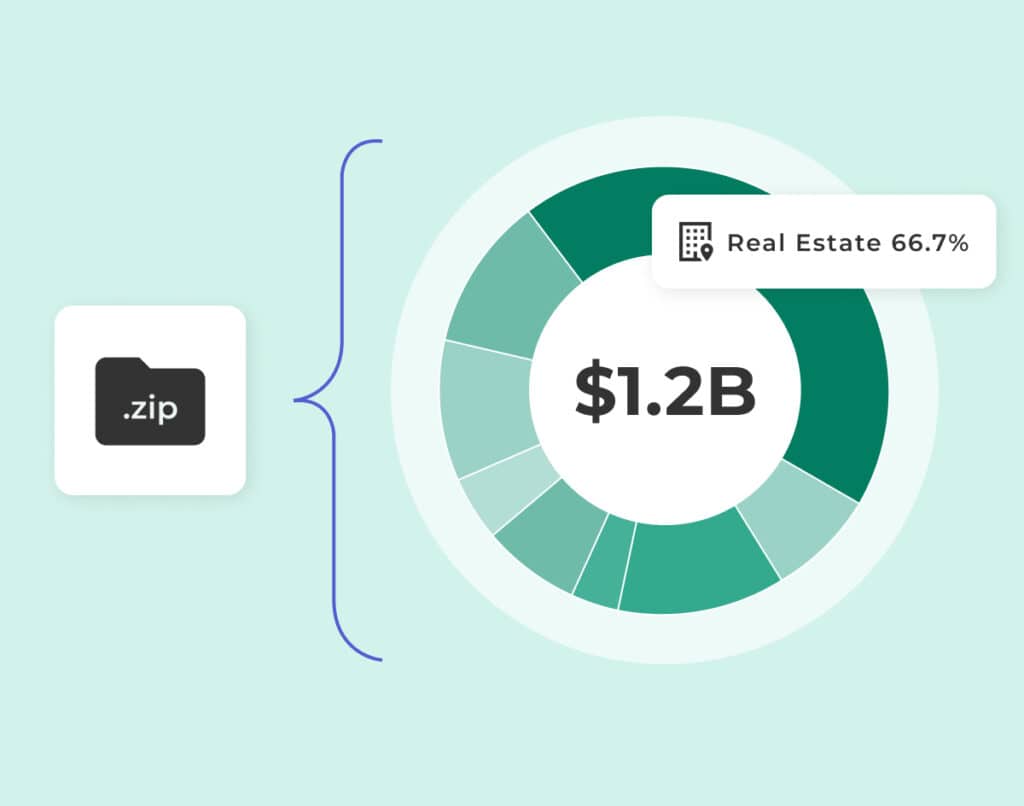
Bring in what you already have: spreadsheets, documents, photos, vendor records, exports from another system. Your account manager handles the load and the structure, so the record starts complete rather than empty.
Tasks, maintenance, inventory, scheduling and vendor coordination in one place. Alerts before insurance lapses, maintenance is missed, or warranties expire. Your team manages by exception instead of chasing updates.
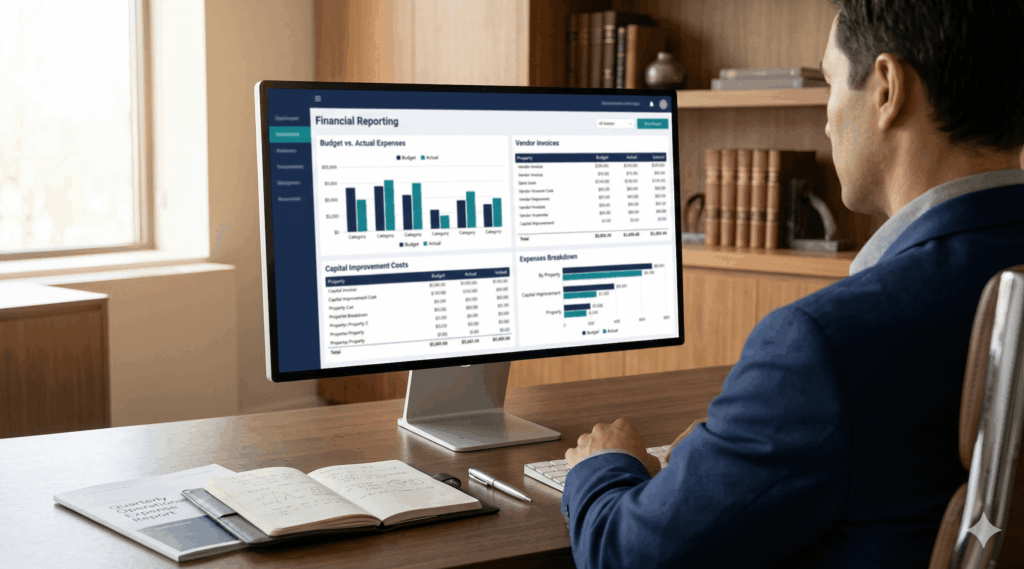
Cost tracking, asset documentation and reporting your controller can trust, without rebuilding it from spreadsheets each quarter.
Owns the system. Sets roles and permissions, holds the schedule, sees every asset.
Expenses tied to the asset. Exports that map to your chart of accounts.
Sees what matters without asking. Submits a request from a phone and watches it get handled.
Opens a calendar, sees today's work, completes it with a photo and an invoice attached.
EstateSpace centralizes everything, documents, communication, and oversight, into one platform. The increased visibility and organization have saved us time and reduced stress.
Steve Clarke RFA Single Family Office
Pricing starts at $34 per user per month, ten users included, with no per-property or per-asset fees.
It is built for offices responsible for physical assets: properties, vehicles, art, aircraft, vessels, equipment, and the vendors and staff who maintain them. It is not an investment reporting or portfolio accounting system, and it does not replace one. Offices typically run it alongside their financial platform.
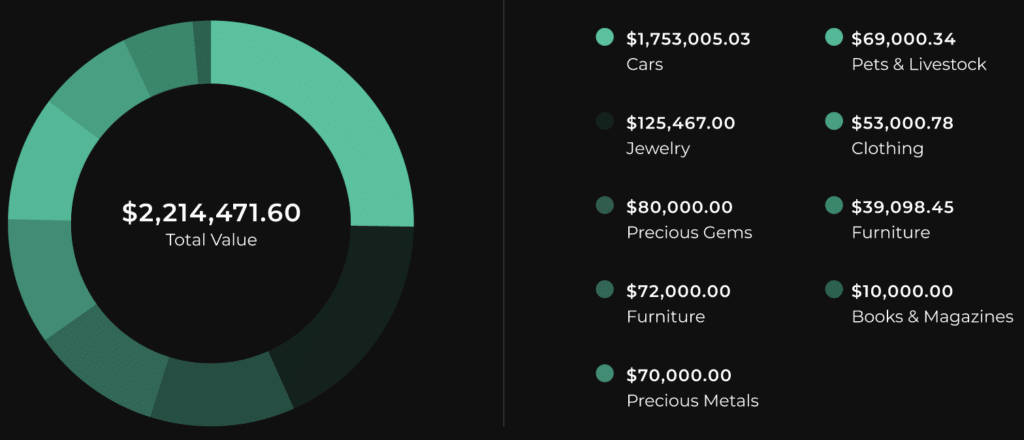
Properties down to the room, and the assets inside them. Vehicles, art, furniture, equipment, livestock, and anything else you define. Each record holds documents, photos, purchase and appraisal detail, insurance, warranty dates, service history, and the vendors who touched it. If an asset class does not exist, you create it.
Operations sets it up and owns it. Finance pulls cost and expense detail. Principals see what they choose to see and submit requests. On-site staff open a calendar, complete work, and attach photos and invoices. Each person sees only what their role allows.
You send what you have: spreadsheets, documents, photos, vendor lists, or an export from another platform. An account manager handles the load and the structure with you. Most offices are working in the system within four to six weeks, depending on how many properties are involved.
Data is held in AWS with encryption, regular backups, and full audit logs. EstateSpace is SOC 2 Type I and II, HIPAA compliant, GDPR compliant, and ISAE 3000. You own your data. Everything you put in can be exported to CSV or Excel at any time, and we hold nothing after you leave beyond a short transition window.
Yes. Roles and permissions are set per person or per job function, down to individual features, properties, and asset classes. If someone has no access to a feature, it does not appear in their navigation. Housekeepers see their tasks. A mechanic sees the fleet. Finance sees the numbers.
It replaces the spreadsheets, shared drives, and text threads that hold operational detail today. It does not replace your accounting platform. Expenses tracked against an asset export in a format that maps to your chart of accounts.
Four to six weeks is typical, from first import to a team working in the system daily. Your account manager meets with you regularly through that period and stays with you afterward. There is no charge for onboarding, data import, or training.
Thirty minutes, built around the assets your office is accountable for. We bring up the platform against a situation like yours and work through it together.
Book a 30-Minute Demo